

Free
Headline kit
- Where the headline breaks
- Where the sentence breaks
- At another screen width
- The lines stay put; the size follows
- Font sizes on the site
- Six fixed sizes, from one ratio
If your headline looks perfect on your laptop, and on your phone one word sits alone on the last line, you're not the only one.
Where you are now
What if the problem isn't the headline? The browser, the program you open websites in, does not know what the headline says. It fills a line until the space runs out, and breaks there.
At every screen width that lands on a different word, which is why it is fine on desktop and falls apart on a phone. The sentence reads like two halves that have nothing to do with each other.
Manual breaks hold at exactly the width you tested, and the moment someone edits a word they break again. Pick sizes by eye long enough, and the site has 14 font sizes and nobody knows why.

Who's talking to you: Axel Jedlitschka
It all started with an income and expenses table I wanted to build for myself in Excel. After a few versions I moved to Google Sheets, and from there it kept growing.
In my job booking sales meetings by phone, I used to build very nice, efficient dashboards, and from there I started building systems and automations, processes that run on their own, for business owners. I built a system for business forecast analysis, and it served the company's marketing and sales very well. A dashboard that works is both nice and efficient, and a headline is the same. It can look perfect, but the browser does not know what it says, and breaks it wherever the space runs out.
Axel Jedlitschka
What to ask for
Know that every font size on the page comes from six fixed sizes, built from one ratio, so they look like they belong together.
Get sizes that grow smoothly from a phone to a wide screen, with no jump from one screen to the next.
Know that every headline breaks where the sentence breaks, not wherever the screen runs out.
Get a headline that sizes itself, so your lines stay exactly as planned at every width.
Know that a headline someone edited never shows old breaks. It renders as plain text until its entry is updated.
There is a way
An AI agent is a program, such as Claude Code, Codex or Cursor, that does work for you on your computer. The kit gives your agent a method in three parts. The type scale decides how large each headline may get: six font sizes, each one larger than the last by the golden ratio, one fixed ratio that every size comes from. The breaks file decides where each headline breaks, in each language. One formula shrinks the headline exactly as much as needed for its longest line to fit, so the lines never move.
"Fresh bread before your", and on the next line "coffee every morning". By meaning, the same headline breaks into "Fresh bread", "before your coffee", "every morning".
The way, in one kit
Headline kit · a kit by Axel Jedlitschka
Your agent breaks every headline where the sentence breaks, not wherever the screen runs out.
The comparison
Free
The offer
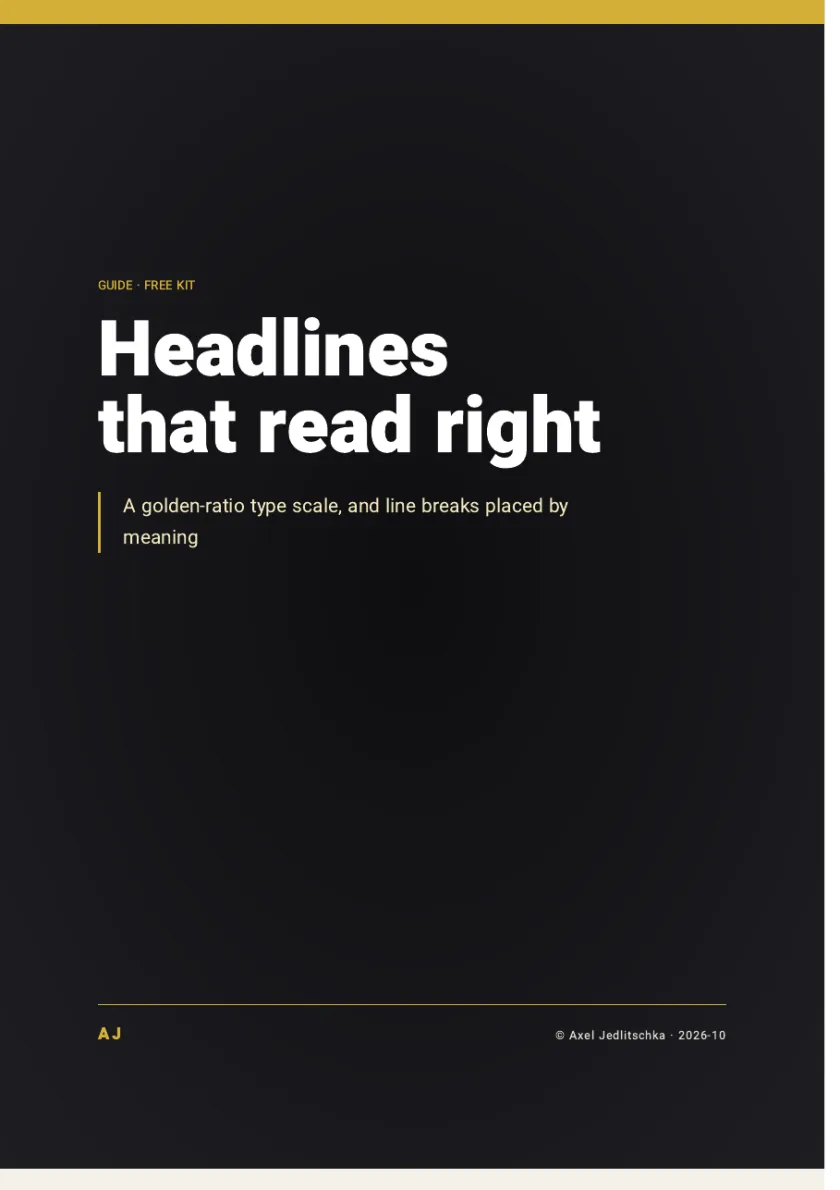
A skill, a scale of six sizes, a script that checks breaks, an 18-check list, and a guide of 6 pages
Price: FreeNo credit card, and no part is held back for payment
The kit is free and you get it right away. You only get marketing messages if you tick the box, and you can unsubscribe at any time.
As soon as you leave your details, a thank-you page opens with a button to download the kit. You choose the language of the guide in the form: Hebrew, English or Spanish.
By Axel Jedlitschka
What you get
There is no purchase and no payment, so there is nothing to cancel. You can withdraw your consent to marketing messages at any time.
Questions?
Leave your details, and a thank-you page opens right away with a button to download the kit. Installing it is one command in the terminal, the window where you type commands to your computer: unzip the file you downloaded, and from that folder run install.sh.
Yes. No credit card, and no part is held back for payment.
It is a setting in the style file that evens out line lengths, which makes it a good safety net. But it does not know what the words mean, so it can break after "the" or in the middle of a quotation. In the kit it stays the fallback for headlines with no breaks yet.
The number itself is not magic. What matters is that every size comes from one ratio, so the sizes look like they belong together. The golden ratio gives a small step for text and a large one for headlines.
One page is exactly where to start: it takes the agent a few minutes. The files stay, and your next page already uses the same scale.
If your builder lets you add your own style file and a script, you paste them in with your breaks. If it only accepts HTML, the page's own code, the agent writes the headline as ready-made HTML with the lines inside, no script at all.
Yes. Each language has its own list of words a line may not end on, and its own examples.
Your details are used to send you the kit and to follow up on it. Marketing messages are sent only if you ticked the consent box, and you can unsubscribe at any time. You can also ask to see, correct or delete your details.
What now
You can let the browser break wherever the space runs out, or you can break every headline where the sentence breaks.
A kit to install and a PDF guide of 6 pages: one type scale, line breaks placed by meaning and an 18-check list, free.
Price: FreeNo credit card
The kit is free and you get it right away. You only get marketing messages if you tick the box, and you can unsubscribe at any time.
Free
Get the kit