

Free
Lead capture kit
- The ad that brought the lead
- Kept over time, even after a page change
- When your automation does not answer
- The lead waits in a queue, and arrives once it is back
- Who knows something is stuck
- One message, after 30 minutes
If you have ever said "A lead came in, and I don't know which ad it came from", you are not alone. A lead is a person who saw your ad, filled in the form on your page and left their details.
Where you are now
What if the problem is not the ad? A normal form does not keep the campaign details. Once the visitor moves to another page, or comes back two days later, the ad is gone.
The second cause is even quieter. An automation tool like n8n, the software that carries each lead from the form to your customer list, restarts on every update. A lead sent in that window simply goes nowhere, and nobody gets told.
And while it stays silent, you keep checking every morning that the form still works, and keep paying for ads without knowing what they brought you.

Who is talking to you: Axel Jedlitschka
I set up sales meetings over the phone, handed over sales meetings and service meetings, and worked with business owners all along. On the side, an income and expenses table I built for myself in Excel moved to Google Sheets, and from there it kept growing.
That is where I started building systems and automations for business owners: processes that run by themselves. I built a system for business forecast analysis, and it served the marketing and sales of the company I worked at very well. But even the best system does nothing for a lead sent at the exact moment it does not answer, when nobody gets told.
Axel Jedlitschka
What to ask for
Know that even if the visitor opened another page and came back, the lead still says which ad and which page it came from.
Know that if your automation does not answer, the lead waits in a queue, for up to 30 days.
Get one message when a lead has waited more than 30 minutes, instead of checking every morning that the form still works.
Know that the same lead is not saved twice on your side, and that Meta does not count it twice either.
Know that whoever filled in the form sees "Thank you! We got your details", even while your automation is in the middle of an update.
There is a way
The kit's form keeps the ad over time, and a small layer in the cloud receives every lead: a small piece of code that runs on Cloudflare's network. If your automation does not answer, the layer holds the lead until it is back. You do not write code. An AI agent, such as Claude Code, Codex or Cursor, is software that does work on your computer for you, and it sets this up with you in four steps. You answer questions and click a few buttons; the agent does the rest.
Dana taps Send in the same minute your n8n restarts after an update. She sees "Thank you! We got your details", her lead waits in the queue, and a few minutes later it reaches you with the ad that brought it.
The way, in one kit
Lead capture kit · a kit by Axel Jedlitschka
Your agent sets up a lead form that never loses a lead, and every lead carries the ad that brought it.
The comparison
Free
The offer
A form in three languages, code in the cloud with a queue, two n8n workflows, a setup script, 30 acceptance tests, and a 6-page guide
Price: FreeNo credit card, and no part is held back for payment
The kit is free and you get it right away. You only get marketing messages if you tick the box, and you can unsubscribe at any time.
As soon as you leave your details, a thank-you page opens with a button to download the kit. You choose the guide's language in the form: Hebrew, English or Spanish.
By Axel Jedlitschka
What you get
There is no purchase and no payment, so there is nothing to cancel. You can withdraw your consent to marketing messages at any time.
Questions?
Leave your details, and a thank-you page opens right away with a button to download the kit.
The kit is free, with no credit card. Cloudflare's free plan is also enough for a typical landing page, because the lead is written to the queue only while your automation does not answer. Check Cloudflare's pricing page for the current numbers.
You do not write code. The agent runs the commands, and you approve a login in your browser once. The code is already written and tested. The install is one command in the terminal, the window where you type commands to your computer, and it shows what it is about to do and asks before it continues.
Because the question is what happens when one of them fails. A site-builder form sends the lead through their server, and there is no queue to hold the lead when something on the way does not answer. On Elementor, Wix or Webflow, the kit's form goes into an HTML block.
No. Every submission has an event id, and the intake workflow skips an id it has already saved. Your pixel gets the same id, so Meta does not count the same lead twice either.
The pixel cookies are read only after the visitor accepts cookies, the marketing consent box is never pre-checked, and the exact wording the visitor saw is saved with the lead. A link to your privacy policy sits next to the button, and the form does not send without it. This is not legal advice, so check what applies to you.
A free Cloudflare account, n8n on your own server or n8n Cloud, and two programs your agent works with, Node.js and Python. Using Make or Zapier? The kit explains what they must do in place of the n8n workflows.
Your details are used to send you the kit and to follow up on it. Marketing messages are sent only if you ticked the consent box, and you can unsubscribe at any time. You can also ask to see, correct or delete your details.
What now
You can keep checking every morning that the form still works, or let a layer in the cloud hold every lead until your automation is back.
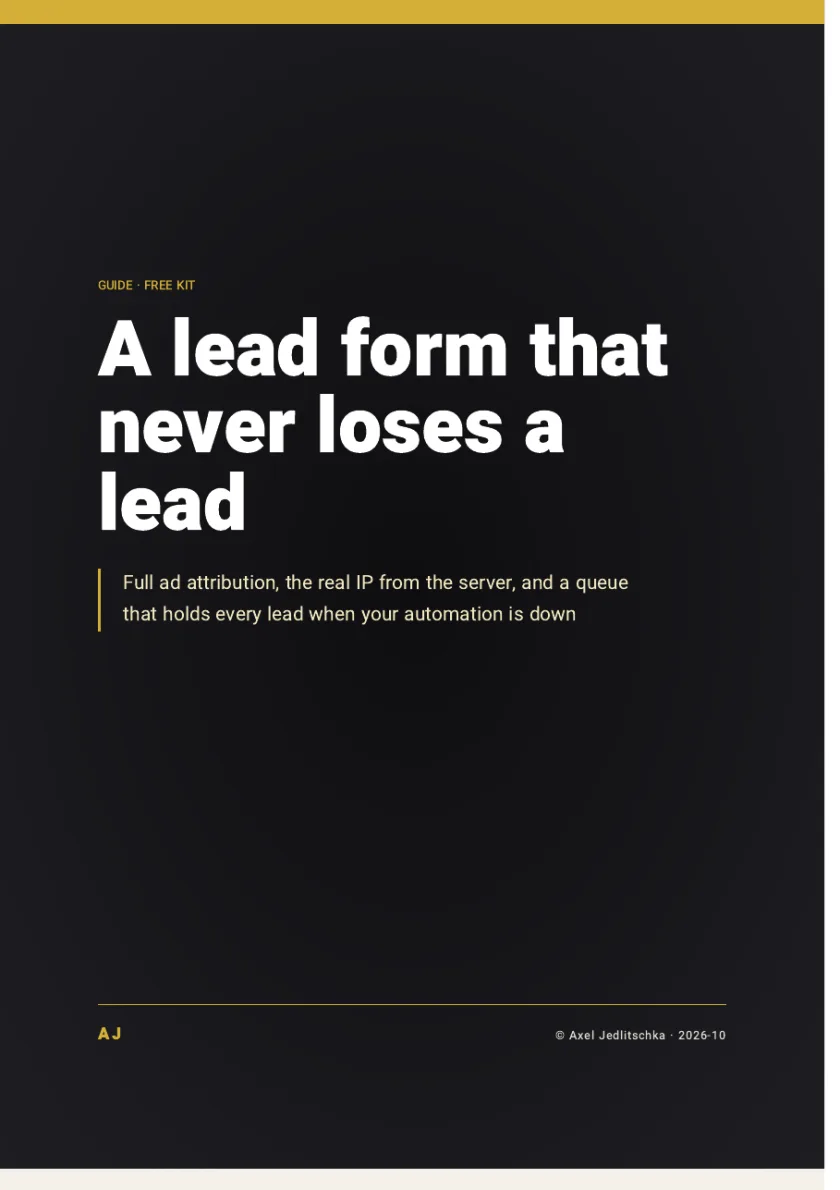
A kit to install and a 6-page PDF guide: a form that keeps the ad of every lead, a small layer in the cloud that holds leads during an outage, and 30 acceptance tests, free.
Price: FreeNo credit card
The kit is free and you get it right away. You only get marketing messages if you tick the box, and you can unsubscribe at any time.
Free
Get the kit