If your AI agent, the software that does work for you on the computer, starts every project from zero and asks you again what you already told it, you're not alone.

Where you are now

Could the problem be something other than the agent? It isn't stupid. It just has nowhere to read what you already know about the project. Its instructions file, the text it reads before every session, is a general one, written for all your projects at once.

How to start the site, the folder nobody may edit, the decision you made last month: none of it is written inside the project. So it guesses, and you correct it. It touches things it shouldn't, and repeats a mistake you already corrected, because the correction stayed in an old conversation.

And in a team project, one file it writes there by mistake has already reached everyone.

Axel Jedlitschka

Who's talking to you: Axel Jedlitschka

It all started with an income and expenses table I wanted to build for myself in Excel. After a few versions I moved to Google Sheets, and from there it kept growing, until at work I was building very good-looking, efficient dashboards.

While booking sales meetings by phone, I started building systems and automations, processes that run on their own, for business owners. I built a system for business forecast analysis, and it served the company's marketing and sales very well. That's where I realized I had knowledge every business needs. And a system that works for a business first has to know where it is.

Axel Jedlitschka

What to demand

  • Knows the project

    Open a session, and the agent already knows what the project is and how to run it.

  • Knows what to stay away from

    Know it has read what it must not touch, before it writes a line.

  • Corrections that stay

    Correct it once, and find Monday's correction still there ten sessions later.

  • No guessing

    Get one question about what it could not find, instead of an answer it made up.

  • Whose project it is

    Know that before it writes a single file, it checks whether the project is yours, a team's, or someone else's.

There is a way

Four small files inside each project, and the agent reads them at the start of every session. So it starts work knowing what the project is, how to run it, what it must not touch, and what you corrected last time.

  1. The instructions file.The project's purpose, the commands that run it, its conventions, and when to stop and ask. It stays under 60 lines on purpose, with only facts unique to this project.
  2. The memory setting.One line telling the agent to keep its memory inside the project, not somewhere general outside it. You don't type the path: it is computed for you.
  3. The memory folder.The project's memory: a short index and one file per topic, written by the agent itself.
  4. The lessons file.One entry for every correction you gave, with the rule it produced. The next time it works on the same thing, it reads the file first.

The agent is not stupid. It just has nowhere to read what you already know.

The way, in one kit

Project kit · a kit by Axel Jedlitschka

Your agent starts every project already knowing where it is.

  • An existing file is skipped and reported, never overwritten
  • Everything is plain text on your computer. Nothing is sent anywhere
  • A block of rules for Codex, Cursor, Gemini CLI or any other agent
  • A Claude Code skill, project-setup: an instructions file the agent loads, which creates the files after checking who owns the project
  • The four files: instructions, memory setting, memory folder and lessons
  • A check of whose project it is: yours, a team's, someone else's, or a folder that is generated automatically
  • Templates in English, Hebrew and Spanish
  • An install script that can also set up a project folder without overwriting anything
  • A paste-ready block of rules for Codex, Cursor, Gemini CLI or any other agent
  • Two optional reminders (hooks): a quiet check at session start, and a reminder that the conversation does not belong in a deliverable
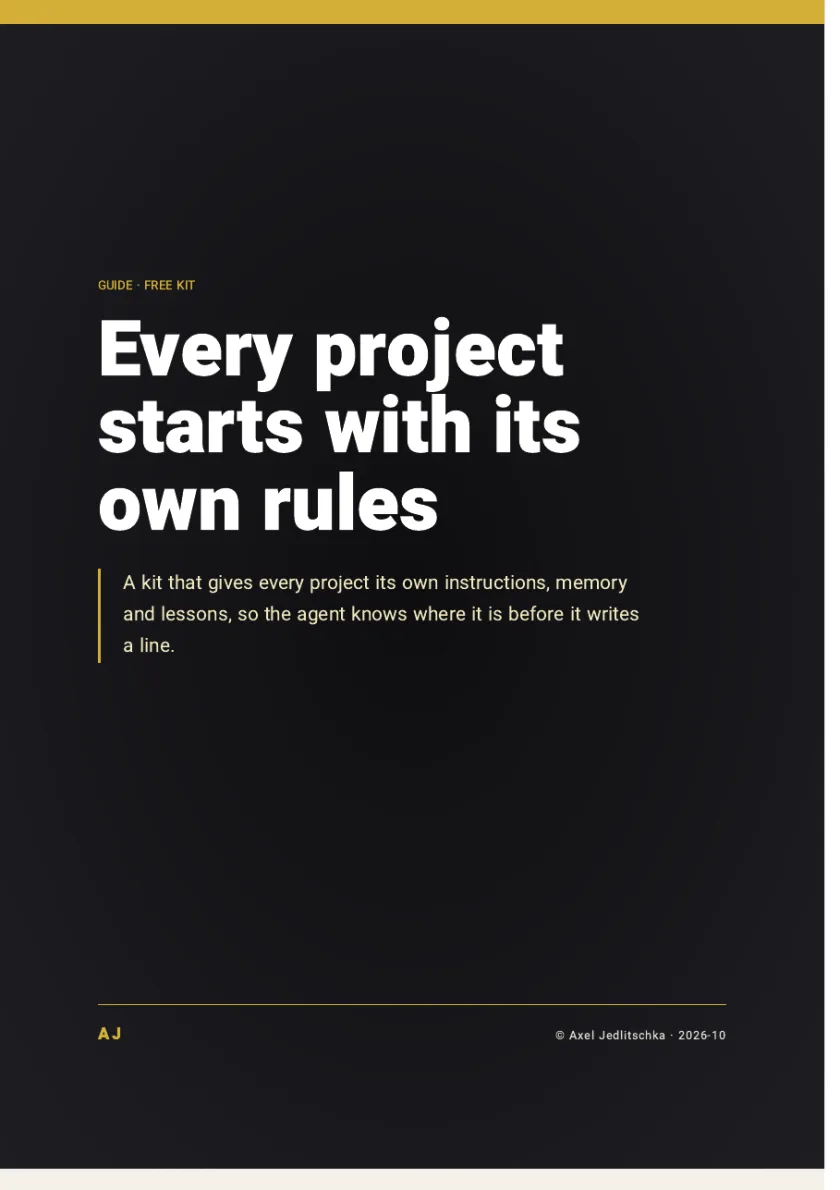
The first page of the guide: Every project starts with its own rules

The comparison

Free

Project kit

What the agent knows
What the project is, how to run it, and what it must not touch
What happens to a correction
It goes into the lessons file, with the rule it produced
Other people's files
It checks whose project it is first, and only then writes

One general instructions file

What the agent knows
Only what is true for all your projects
What happens to a correction
It stays in an old conversation
Other people's files
Nobody told it they belong to someone else

The offer

A skill, four files for every project, a check of whose project it is, templates in three languages, and a 7-page guide

Price: FreeNo credit card, and no part is held back for payment

The kit is free and you get it right away. You only get marketing messages if you tick the box, and you can unsubscribe at any time.

As soon as you leave your details, a thank-you page opens with a button to download the kit. You choose the guide's language in the form: Hebrew, English or Spanish.

By Axel Jedlitschka

What you get

Promised

  • The full kit, free, as soon as you leave your details.
  • No part is held back for payment.
  • Your details are not sold, and are not passed to anyone except the infrastructure providers that run the site.
  • A question about the kit? Send a message on Instagram to @theonlyaxelj.

Not promised

  • A result. The kit gives every project its own instructions, memory and lessons, and the result depends on how you apply it and on your business. It is general knowledge, not personal advice.
  • That the agent fills in everything by itself. What it cannot find in the project, it does not invent: it asks you, one question at a time.

There is no purchase and no payment here, so there is nothing to cancel. You can withdraw your consent to marketing messages at any time.

Questions?

How do I get the kit?

You leave your details, and a thank-you page opens right away with a button to download the kit.

Is it really free?

Yes. No credit card, and no part is held back for payment.

I'm not a programmer. Is this for me?

Yes. You unzip the file you downloaded, and from the folder it creates you run one command in the terminal, the window where you type commands to your computer: bash install.sh. From then on you talk to the agent in plain language.

What if I already have an instructions file?

Nothing overwrites it. An existing file is skipped and reported. If you ask the agent to improve it, it keeps a backup copy first.

Will my memory reach the whole team?

No. In a team project, your memory setting, memory folder and lessons file are listed only on your own computer, so they are never shared with the team.

Does it only work with Claude Code?

The skill is built for Claude Code. The rules work with any agent that reads an instruction file: the kit includes a paste-ready block for Codex, Cursor, Gemini CLI or any other agent.

How do I remove it?

Delete the project-setup folder from ~/.claude/skills and start a new session. Files created in your projects stay yours.

Will I get spam or phone calls?

Your details are used to send you the kit and to follow up on it. Marketing messages are sent only if you ticked the consent box, and you can unsubscribe at any time. You can also ask to see, correct or delete your details.

What now

You can keep explaining the project to the agent in every session, or you can open a session with an agent that already knows where it is.

A kit to install and a 7-page PDF guide: four files for every project, a check of whose project it is, and a block of rules for any agent, free.

Price: FreeNo credit card

The kit is free and you get it right away. You only get marketing messages if you tick the box, and you can unsubscribe at any time.

The kit is ready to download as soon as you leave your details

The kit is free and you get it right away. You only get marketing messages if you tick the box, and you can unsubscribe at any time.

Your details are used to get back to you. What is collected, why, and who receives it: see the Privacy Policy (opens in a new tab).