If you run automations in n8n, on their cloud or on a server, a rented computer that stays online all the time, and you found out a workflow stopped three days ago and nothing told you, you are not alone.

Where you are now

Then the server died overnight, and a client noticed first.

Or you restored a backup and every connection to Google, Slack and your bank was gibberish. The encryption key, the code n8n locks your connections' passwords with, was never in the backup.

So how do you know your backup works? The server the guide was written on had 138 days of backups, all of them reported success, and not one of them could have restored the connections.

Axel Jedlitschka

Who's talking to you: Axel Jedlitschka

It all started with an income and expenses table I wanted to build for myself in Excel. After I built a few versions in Excel, I moved to Google Sheets, and from there it kept growing.

While booking sales meetings by phone, I started building systems and automations, processes that run on their own, for business owners. I built a system for business forecast analysis, and it served the company's marketing and sales very well. That's where I realized I had knowledge every business needs. And a typical setup guide shows how to stand up a server and run a backup on it, but it does not show how to know that something broke.

Axel Jedlitschka

What to demand

  • A backup you can restore

    A backup every night off the server, to S3, Amazon's storage service, including the encryption key, without which a backup is worthless.

  • Updates that roll back

    A check every night for a new version, a backup before, a health check after, and an automatic rollback to the previous version if something fell over.

  • An email with the next step

    Every workflow that fails sends you an email with the next step, and at the bottom, text you can paste to your agent as it is.

  • Knowing even when it goes quiet

    n8n restarts by itself when it stops answering. And if the whole server stops answering, an email reaches you from outside.

  • A tested restore

    A first backup and a real restore on a temporary test server, before anyone calls the setup finished.

There is a way

A typical setup guide shows how to stand up a server and run a backup on it. It does not show how to know that something broke. Every safeguard in this kit answers a failure that really happened on a live server. Your AI agent, the program that does computer work for you, builds the server with you, and moves on only after the previous phase passed its check.

  1. Questions and cost first.The agent does not buy anything yet. First it asks a few questions, one at a time: where the server will run, which domain, meaning your address on the internet, and which Gmail account sends the alerts. Then it shows you the monthly cost and waits for your yes.
  2. The server and the key.The encryption key goes into the settings file before the first start. Secrets are created on the server, inside the command that writes them, and the agent checks they exist without showing them.
  3. Maintenance and alerts.Scripts, small programs that run on the server by themselves, back up every night and update with a way back. Every workflow that fails emails you, and UptimeRobot, a service that checks from outside that your server answers, emails you when the whole server stops answering.
  4. Proof.A first backup and a real restore on a temporary test server. If the line restore succeeded does not appear at the end, the agent stops, goes back to the encryption key part, and does not call the setup finished.

A backup you have not tried to restore from is a hypothesis.

The way, in one kit

Server kit · a kit by Axel Jedlitschka

Your agent sets up your own n8n server, one that backs itself up and emails you when something breaks.

  • Before each phase the agent checks that the previous one passed, and shows you the proof
  • It never prints a secret, and it stops and asks before anything that costs money or deletes data
  • The installer shows its plan, asks first, and keeps a backup of any previous version
  • A skill for your agent, an instruction file the agent loads, that walks you through the setup phase by phase
  • The full guide, 15 parts, in English, Hebrew and Spanish: from hardware and domain to disaster recovery, and a whole part on the traps found on a real server
  • Ready setup files: docker-compose.yml, which tells Docker, the program that runs n8n on the server, what to start, and a Caddyfile for a secure connection (HTTPS)
  • A sample settings file (.env.example) that explains every field, and eight maintenance scripts
  • The alert email code in English, Hebrew and Spanish
  • Checklists for every phase, plus one health check you can run at any time
  • A one-command installer that keeps a backup of any previous version, and a block to paste if you work with Codex, Cursor or Gemini CLI
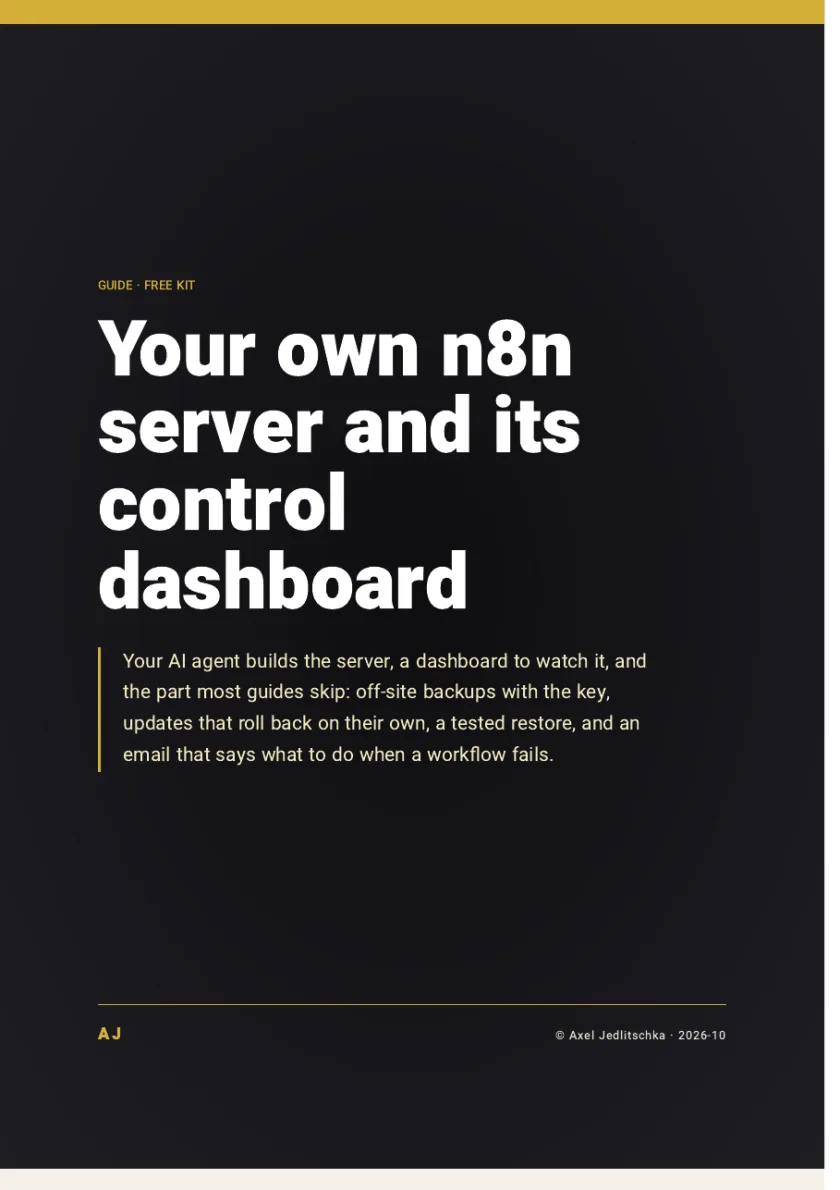
The first page of the guide: your own n8n server, set up, hardened, backed up and monitored

The comparison

The honest math

Server kit

What it costs
About $12 a month for the server, with no execution cap
Who is responsible when it breaks
You. The kit makes most of the upkeep automatic and emails you when something needs a decision
Where the data lives
Your clients' data stays with you

n8n Cloud

What it costs
The entry plan costs about the same as the server, and the bill grows with your executions
Who is responsible when it breaks
Not you. That is its advantage: no responsibility
Where the data lives
With n8n Cloud, not with you

The offer

A skill that walks your agent through every phase, the full guide in 15 parts, every file and script ready, checklists, and a 7-page guide

Price: FreeNo credit card, and no part is held back for payment

The kit is free and you get it right away. You only get marketing messages if you tick the box, and you can unsubscribe at any time.

As soon as you leave your details, a thank-you page opens with a button to download the kit. You choose the guide's language in the form: Hebrew, English or Spanish.

By Axel Jedlitschka

What you get

Promised

  • The full kit, free, as soon as you leave your details.
  • No part is held back for payment.
  • Your details are not sold, and are not passed to anyone except the infrastructure providers that run the site.
  • A question about the kit? Send a message on Instagram to @theonlyaxelj.

Not promised

  • A result. The kit sets up a server with you, and the result depends on how you apply it and on your business. It is general knowledge, not personal advice.
  • A server that does not need you. This is a server you run yourself: updates, backups and security are your responsibility. The kit makes most of them automatic and emails you when something needs a decision, but someone has to read that email and act.

There is no purchase and no payment here, so there is nothing to cancel. You can withdraw your consent to marketing messages at any time.

Questions?

How do I get the kit?

You leave your details, and a thank-you page opens right away with a button to download the kit.

Is it really free?

The kit is, with no credit card. The server itself costs about $12 a month, and the S3 backups less than ten cents, and before any spending the agent shows you the monthly cost and waits for your yes.

Why not just stay on n8n Cloud?

At low volume the math is close: n8n Cloud's entry plan costs about the same, without the responsibility. The server pays off as executions grow. And if you do not want to own a server at all, n8n Cloud is a good choice, and this kit is not for you.

I am not a programmer. Is this for me?

Yes, if you are willing to own a server. The agent types the commands and you approve what costs money or deletes something. You open the accounts (a server provider, AWS, Amazon's service for the backups, and UptimeRobot) and read the emails the server sends.

I already have an n8n server running. Does this fit?

Yes. The first thing the agent checks is whether the encryption key is in the settings file. If it is not, it extracts the existing key. It never generates a new one, because a new key breaks every connection you already have.

What if the agent makes a mistake on the server?

Every update has a backup before and a health check after, and every change is logged with the way back. Deleting data, changing your domain settings or a major upgrade never happen without your explicit approval.

Does it only work with Claude Code?

You need macOS or Linux and an AI agent such as Claude Code. On Codex, Cursor or Gemini CLI, paste the block from the AGENTS.md file in the kit.

Will I get spam or phone calls?

Your details are used to send you the kit and to follow up on it. Marketing messages are sent only if you ticked the consent box, and you can unsubscribe at any time. You can also ask to see, correct or delete your details.


What now

You can keep hearing about failures from clients, or you can get an email with the next step the moment a workflow fails.

A kit to install and a 7-page PDF guide: a skill that walks your agent through every phase, the full guide, every file ready, and a one-command install, free.

Price: FreeNo credit card

The kit is free and you get it right away. You only get marketing messages if you tick the box, and you can unsubscribe at any time.

The kit is ready to download as soon as you leave your details

The kit is free and you get it right away. You only get marketing messages if you tick the box, and you can unsubscribe at any time.

Your details are used to get back to you. What is collected, why, and who receives it: see the Privacy Policy (opens in a new tab).